Best fit
Campaign visuals
Plan a GPT Image 2.5 campaign around one recognizable image and a clear message.
Your next image starts here
Create product images, illustrations, and more with GPT Image 2.5.
Paste or drop images · PNG, JPG, WebP · 10 MB each
Add an image to edit it. No mode switching needed.
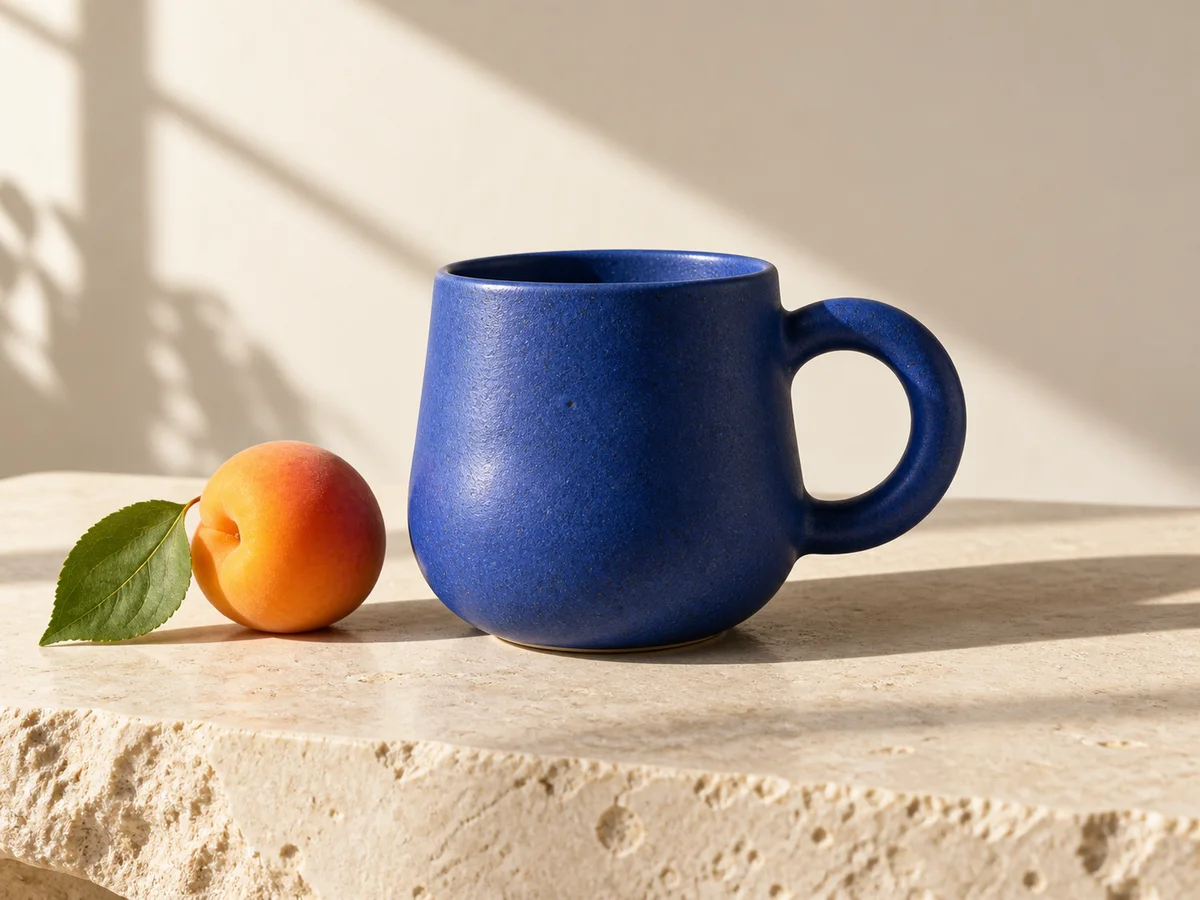
Creative example
An idea to start with. Your generated image will appear here.
Three ways to start
Start with what you need: a product scene, a poster, or an illustration. Describe the subject and let the details follow.
Describe your image
Give GPT Image 2.5 a subject, setting, and style. A clear description is enough to start; no long creative brief needed.
Try: a ceramic mug on a pale stone table, soft morning light, with space on the left for a headline.
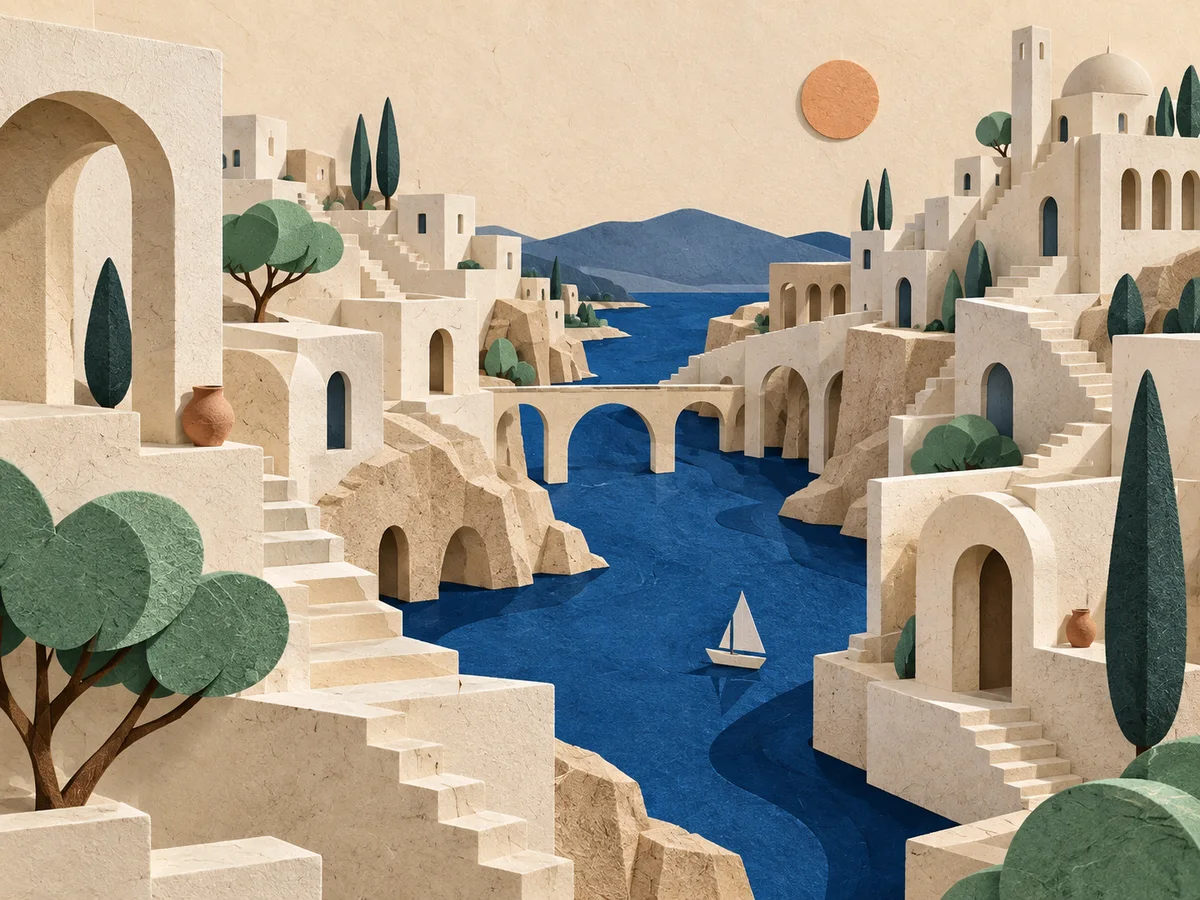
Choose a look
Explore colors, lighting, and mood with GPT Image 2.5. Ask for a photographic look, a clean illustration, or a bold graphic.
Keep the subject consistent while comparing styles. Change one detail at a time so you can see what works.
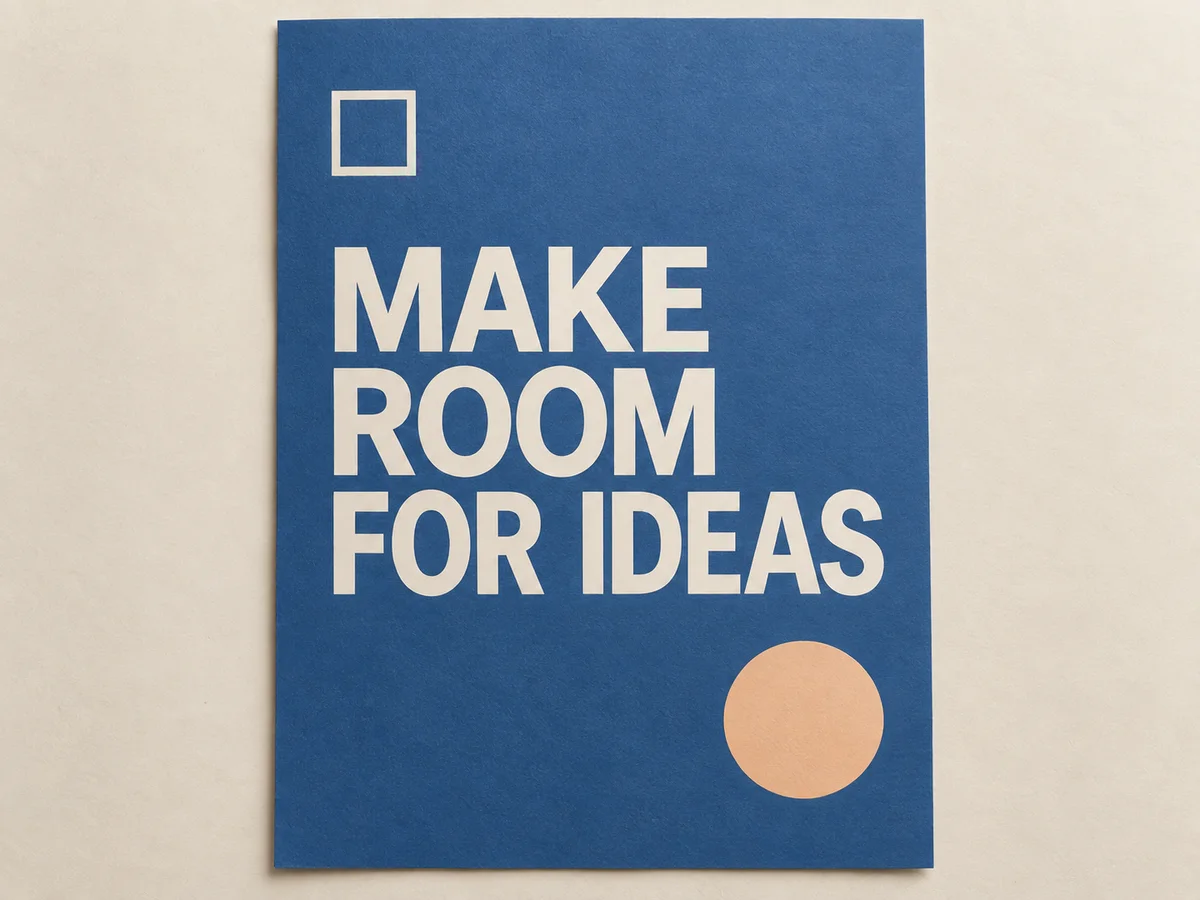
Shape the composition
Tell GPT Image 2.5 where the subject belongs and what needs room around it. Think about the final crop before adding detail.
For a poster or product card, specify short text in quotation marks. Check the wording and readability before using the image.
Who it is for
Find a starting point with GPT Image 2.5, whether you create for a brand, a client, or yourself.
Best fit
Plan a GPT Image 2.5 campaign around one recognizable image and a clear message.
Marketers
For GPT Image 2.5 product shots, use lighting that brings out the defining feature.
Marketers
Keep one clear focal point and leave space for your headline.
Marketers
Compare a new crop, background, or color without changing the core idea.
Best fit
Explore GPT Image 2.5 covers and illustrations that make your content easier to recognize.
Creators
For GPT Image 2.5 covers, choose a subject that stays readable as a small thumbnail.
Creators
Give an article or social post a visual that supports its main idea.
Creators
Use a simple scene or metaphor to make an abstract topic tangible.
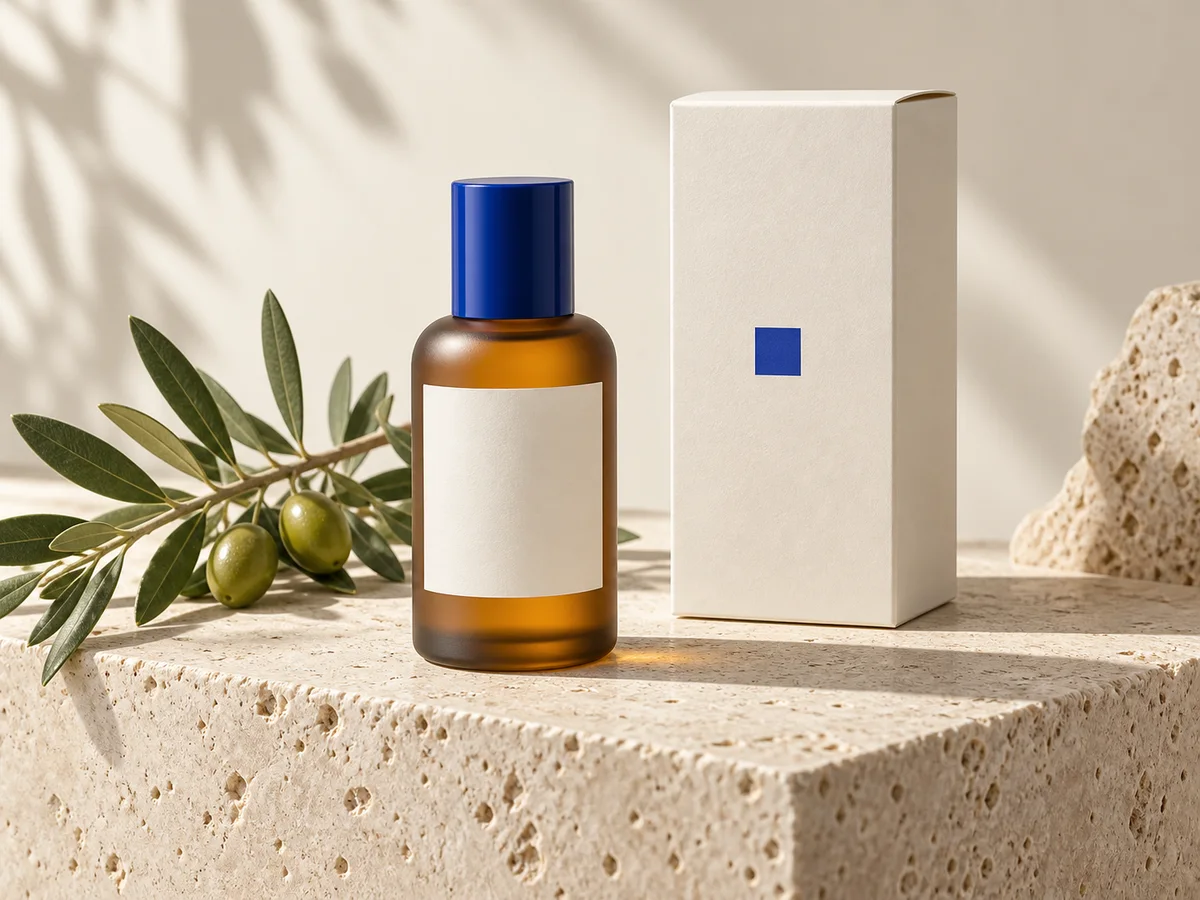
Best fit
Plan GPT Image 2.5 product scenes around the shape, materials, and purpose of each item.
Ecommerce teams
Give GPT Image 2.5 a believable surface and background that suit the item.
Ecommerce teams
Focus on texture and shape, then check them against the real product.
Ecommerce teams
Explore a seasonal palette while keeping the product easy to recognize.
Best fit
Explore an early idea with GPT Image 2.5 before committing to a visual direction.
Designers
Test a setting, character, or visual direction with GPT Image 2.5 before developing it further.
Designers
Compare viewpoints and subject placement to find the clearest frame.
Designers
Explore a limited palette, a different material, or a new lighting direction.
Best fit
Bring GPT Image 2.5 concepts into client discussions to compare directions before the next step.
Agencies
Connect each GPT Image 2.5 concept to the audience and message in the brief.
Agencies
Adjust the crop and empty space for covers, banners, and square posts.
Agencies
Keep the selected prompt and feedback together for the next revision.
Four simple steps
Four simple steps to get started with GPT Image 2.5. Image generation is coming soon to image-2-5.com.
Step 1 of 4
Describe your image
Step 2 of 4
Choose the format
Step 3 of 4
Generate an image
Step 4 of 4
Review and download
Write what you want to see. Include the subject, setting, and style; add exact wording if the image needs text.
24,000+
Reviews
4.9
Average rating
4.8
Recommend GPT Image 2.5
80,000+
Creators

Maya Chen
Performance marketer
GPT Image 2.5 changed everything for me. I went from waiting on a production handoff to a finished campaign clip from one product still and a short brief.

Alex Voss
Filmmaker
I use GPT Image 2.5 to test blocking and camera rhythm before a shoot. Reference mode is the first time the visual language actually carries through.
Sofia Alvarez
Paid social lead
We ship more GPT Image 2.5 variants in an afternoon than we used to get from a full production week. The interface is simple and the output is client-ready.

Jordan Hale
YouTube creator
The quality from GPT Image 2.5 is now essential to my workflow. Native stereo and camera direction stay in the same shot, so channel openers actually feel finished.

Elena Park
Agency producer
GPT Image 2.5 is now how we get client concepts out the door. Every generation stays private, and I can spin ratio variants without another editing round.

Daniel Kim
Short-form creator
GPT Image 2.5 lets me write the motion, the camera, and the sound in one prompt. I stopped bouncing between three tools just to get a 9:16 clip.

Priya Raman
Ecommerce lead
GPT Image 2.5 keeps the product composition I already paid for. Image to Video gives me motion cuts without rebuilding the hero frame from scratch.

Noah Brooks
Product designer
The GPT Image 2.5 credit estimate before I hit generate is the part I trust. I keep the prompt through login and download a clean 2K clip.

Hannah Cole
Brand designer
I was skeptical, then GPT Image 2.5 matched the still I already had. The subject stayed recognizable and the download had no watermark.
GPT Image 2.5 is an OpenAI image model for creating and editing pictures from instructions. It can help with product visuals, illustrations, and other creative work. image-2-5.com is an independent site preparing an image generation workflow using this model.
Not yet. The GPT Image 2.5 workflow is coming soon. This preview retains earlier video controls and examples; these are not GPT Image 2.5 outputs. Image settings and pricing will appear when the new workflow is ready.
Give GPT Image 2.5 a subject, setting, style, and lighting direction. Describe where things should sit in the frame. Start with the details that matter most, then refine anything the first result misses.
Yes. Give GPT Image 2.5 the exact words in quotation marks and describe their placement. Check spelling and readability in the result. For precise brand typography, leave space and add the final text in your design tool.
GPT Image 2.5 settings will appear in the generator when the image workflow launches. Choose a shape that suits the final placement. The current video duration and resolution controls do not describe the upcoming image options.
Refine your GPT Image 2.5 prompt one detail at a time: the crop, light, background, or subject. Keep the parts that work. Compare versions at the size where you intend to use the image.
GPT Image 2.5 pricing has not been announced for this site. Prices and any available credits will appear before the image workflow opens. The earlier video plans are not a price list for GPT Image 2.5.
No. image-2-5.com is an independent website and is not operated by OpenAI. GPT Image 2.5 is an OpenAI model name. Product names and trademarks belong to their respective owners.
Your next shot starts here
Plan your next GPT Image 2.5 image: a product scene, a cover, or a fresh visual direction. Start with one clear idea.
Write your first prompt